

The records
Each domain gets the records below. The dashboard shows the exact name and value for your domain, and that’s the source of truth.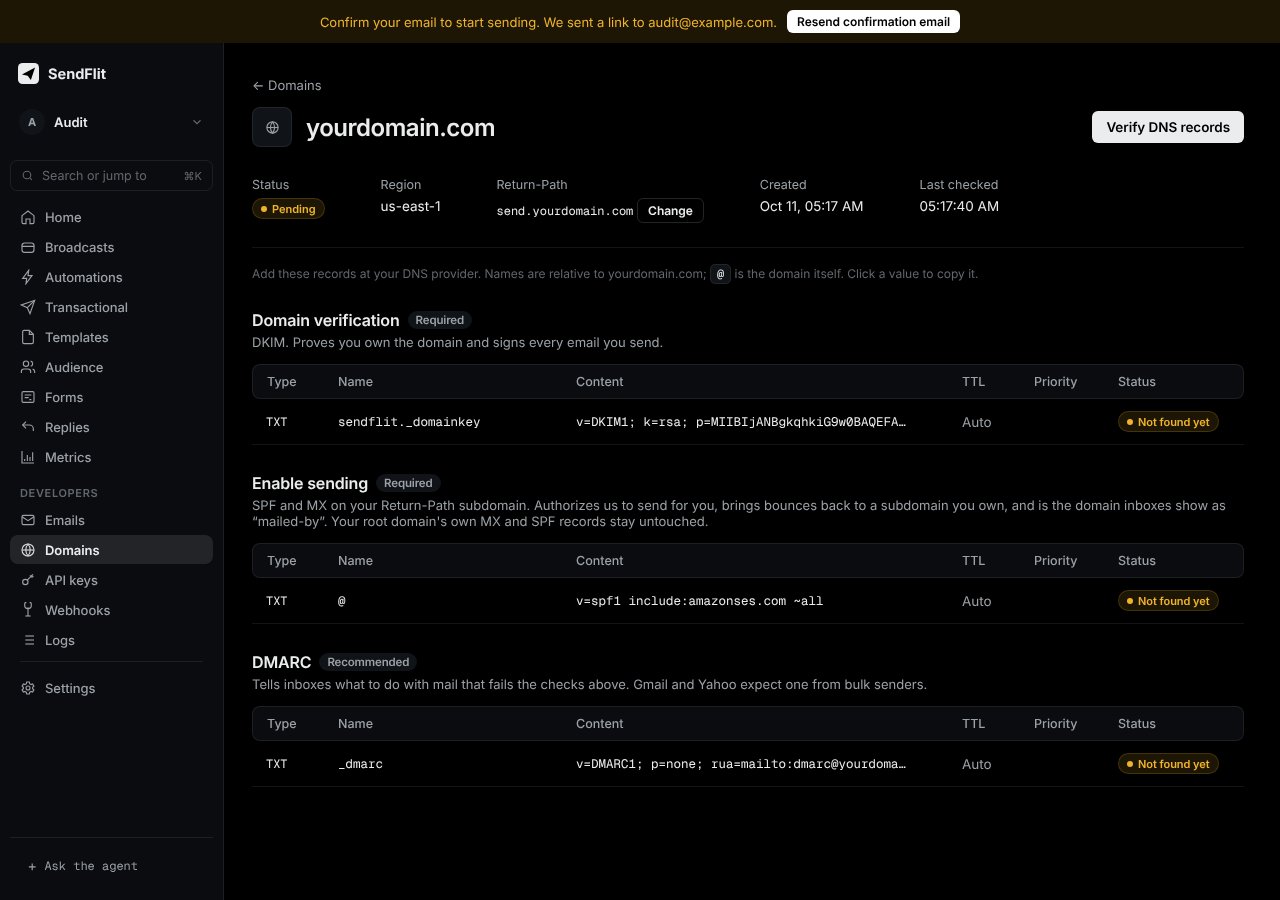
SendFlit dashboard: the records for a domain
If the dashboard shows an MX record for your return-path subdomain, publish it too. Your root domain’s own MX records stay untouched.
Common mistakes
- Two SPF records. A domain may have only one record that starts with
v=spf1on the same name. Merge into the existing one. - Typing the full name twice. Many providers add your domain automatically. Enter only the part before it, or
@for the root. - Quotes around values. Paste the value as-is. Some consoles add quotes themselves. Don’t add a second pair.
- Old records still cached. Propagation can take up to a few hours. Wait, then verify again.